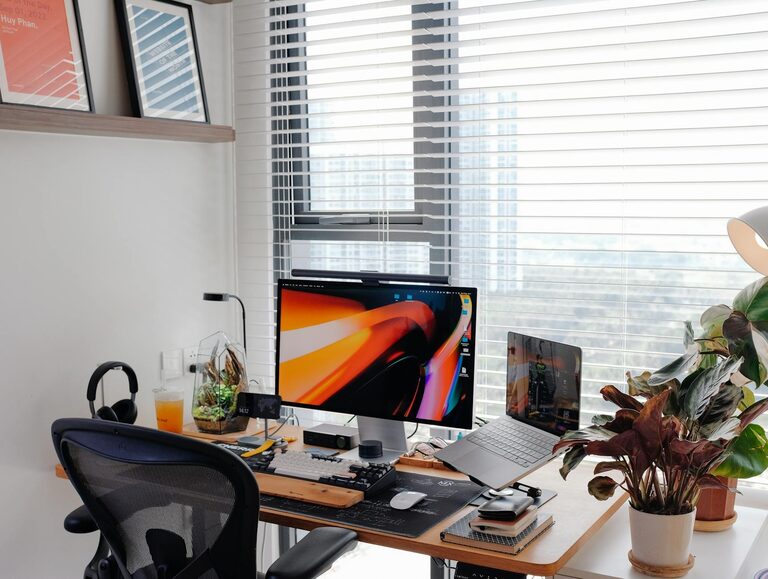
Working from home has become increasingly common, and having a dedicated, well-designed workspace can make a big difference to your productivity and wellbeing. Whether you’re working remotely full-time, freelancing, or just need a quiet place for occasional tasks, setting up an efficient and comfortable home workspace is important. This guide offers practical tips and ideas to help you create a productive environment tailored to your needs.
Choose the Right Location
Consider Natural Light
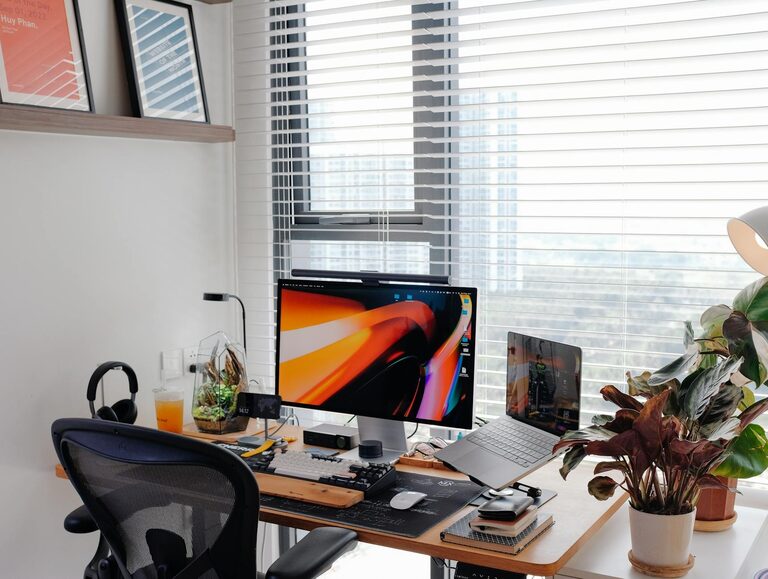
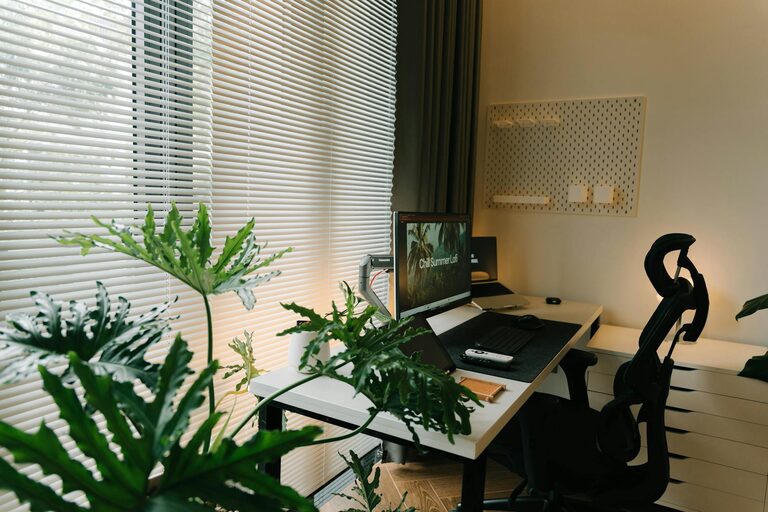
Where you place your workspace can impact your energy and mood throughout the day. Ideally, select a spot with plenty of natural light. Sunlight helps reduce eye strain and improves alertness. Position your desk near a window, but avoid glare on your computer screen by adjusting blinds or using curtains.
Minimise Distractions
If possible, choose a quiet area away from busy household traffic. This helps maintain concentration and reduces interruptions. If space is limited, consider using room dividers or noise-cancelling headphones to create a focused zone.
Invest in Ergonomic Furniture
Desk and Chair
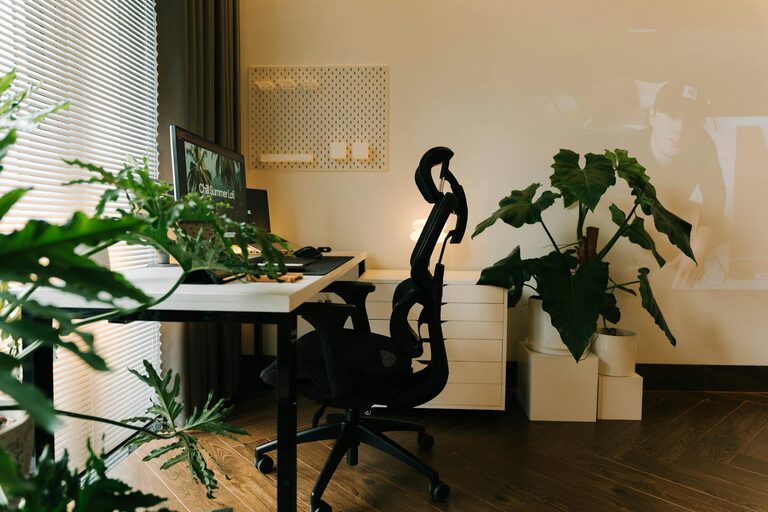
A sturdy desk at the right height paired with an ergonomic chair supports good posture and prevents discomfort during long working hours. Your chair should offer lumbar support and adjustable features like height and armrests. Position your desk so your elbows are at a 90-degree angle when typing.
Monitor Placement
Place your computer screen so the top is at or slightly below eye level. This reduces neck and shoulder strain. Ensure the monitor is about an arm’s length away to avoid eye fatigue.
Organise Your Supplies
Declutter Your Desk
Keep only essential items on your desk to maintain a clean and organised space. Too much clutter can be distracting and reduce efficiency.
Use Storage Solutions
Use shelves, drawers, or organisers to store papers, stationery, and other materials. Label containers for easy access. Having an orderly workspace saves time searching for things and helps keep your mind clear.
Prioritise Good Lighting
Besides natural light, you will need adequate artificial lighting for early mornings or late evenings.
Desk Lamps
A good desk lamp with adjustable brightness and direction can reduce eye strain. Choose warm LED bulbs for a comfortable ambience.
Ambient Lighting
Use soft overhead lighting in combination with task lighting to create a balanced atmosphere that is neither too dim nor harsh.
Personalise Your Workspace
Add Plants
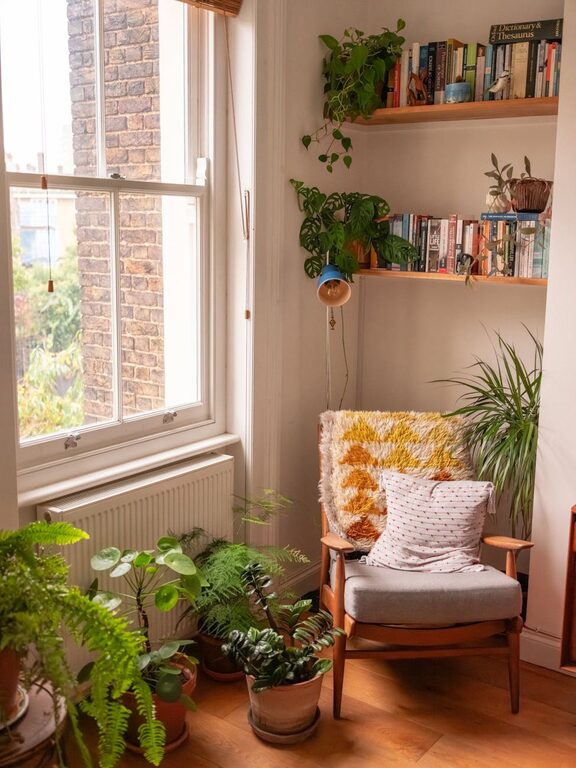
Indoor plants improve air quality and add a touch of nature. They can also reduce stress and increase productivity.
Inspiring Decor
Include items that motivate you, such as artwork, photos, or a vision board. Avoid cluttering the space but create an environment that feels welcoming and motivating.
Set Boundaries and Maintain Routine
Define Working Hours
To avoid blurring the line between work and personal life, set clear working hours. Communicate these boundaries with family or housemates.
Take Breaks
Plan regular breaks to stretch, move around, or relax. This enhances focus and prevents burnout.
Use Technology Wisely
Use calendars, timers, or apps to organise tasks and manage time effectively. However, be mindful to limit social media or unrelated browsing during work time.
Keep Connectivity and Equipment in Check
Reliable Internet Connection
A stable internet connection is vital for remote work. If possible, position your router near your workspace or use a wired connection for better performance.
Essential Technology
Ensure your computer, printer, or other devices are in good working order. Keep chargers and cables organised to avoid clutter and interruptions.
Maintain Your Workspace
Regular Cleaning
Dust and tidy your workspace frequently to create a pleasant environment. Clean screens and keyboards to maintain hygiene.
Update and Adjust
Periodically re-assess your workspace setup. Adjust furniture arrangements or upgrade equipment as your needs evolve.
—
Creating a productive home workspace takes thought and effort, but the benefits in terms of focus, comfort, and work satisfaction are well worth it. By choosing a suitable location, organising thoughtfully, investing in ergonomic furniture, and maintaining good habits, you can design a workspace that supports your best work from home. Remember, a well-designed workspace not only improves productivity but also contributes positively to your overall wellbeing.
About the Author