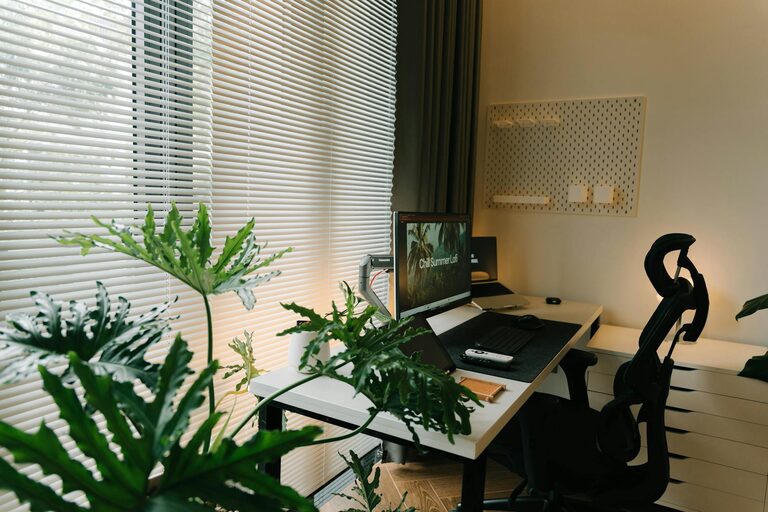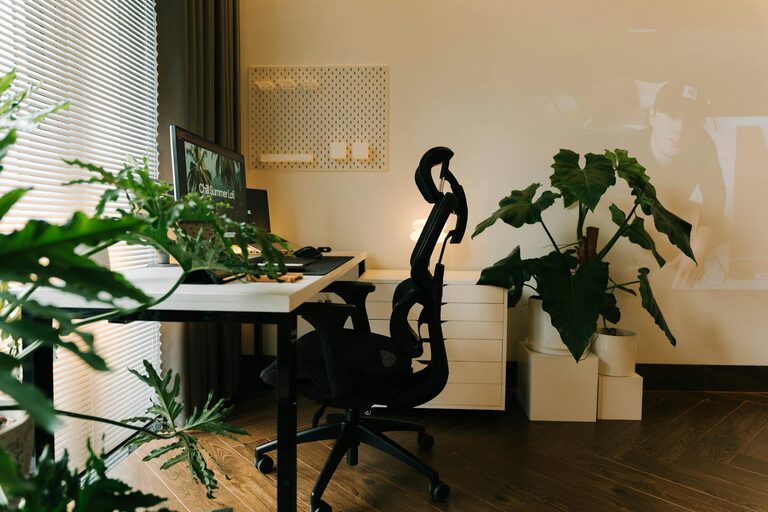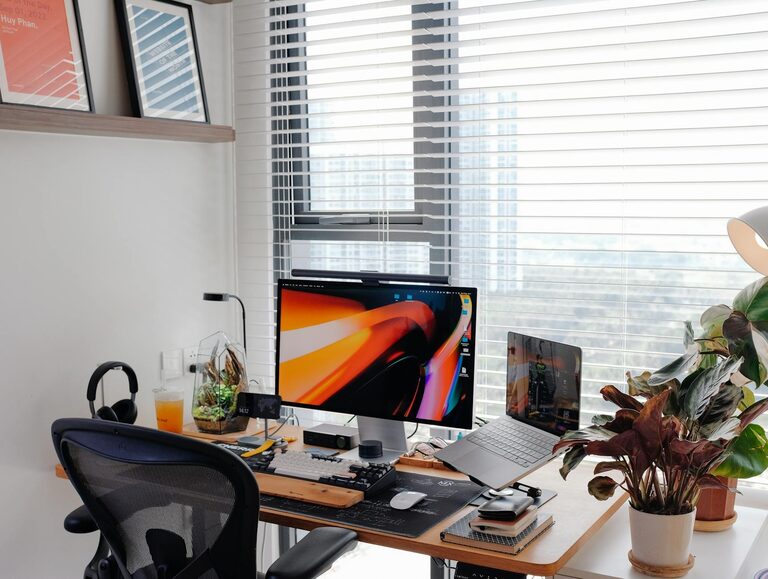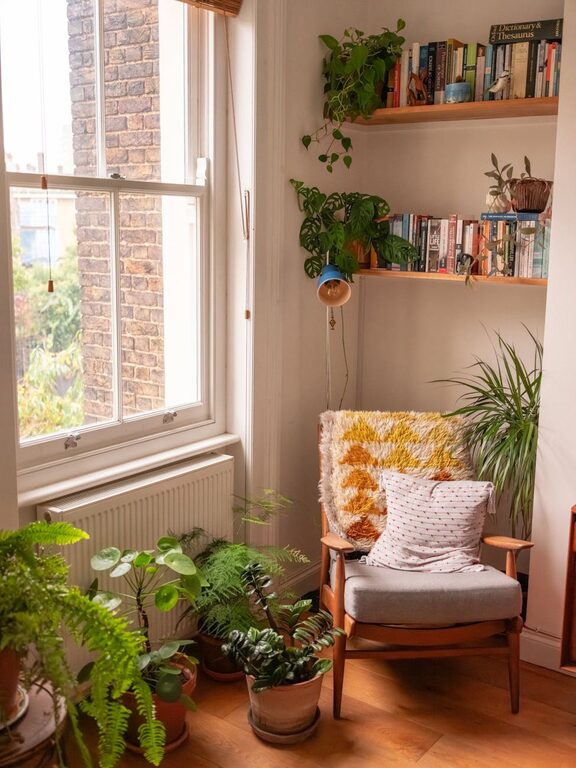
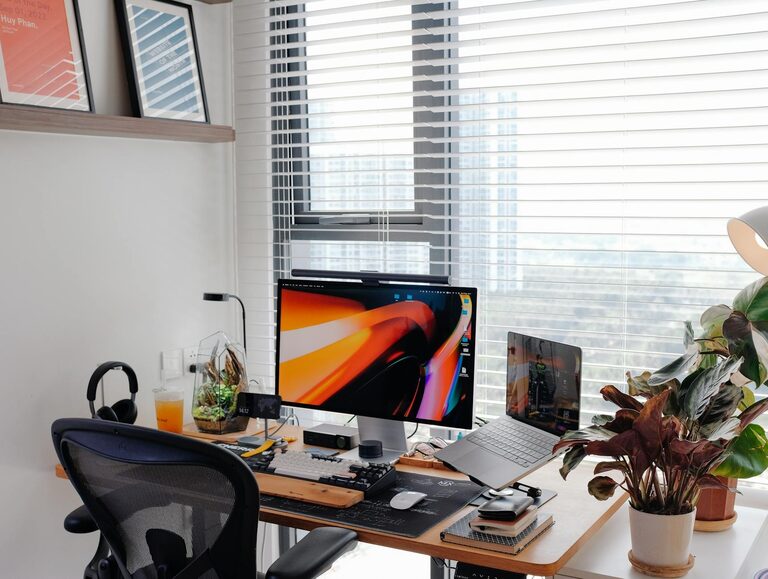
Creating a productive home office environment is more important than ever, as many people balance work and home life under the same roof. A well-designed workspace can help you stay focused, manage time effectively, and maintain a healthy work-life balance. Whether you’re setting up a new home office or looking to improve your current one, these tips will guide you towards creating a space that supports your productivity and wellbeing.
1. Choose the Right Location
The first step in creating an effective home office is selecting the right spot. Ideally, your workspace should be:
– Quiet and Private: Choose a room or corner where distractions are minimal. Avoid high-traffic areas like the kitchen or living room if possible.
– Well-lit: Natural light is best for concentration and mood, so pick a location near a window. If natural light isn’t an option, invest in a good quality desk lamp with adjustable brightness.
A dedicated space helps signal to your brain that it’s time to work, improving focus and separating work from leisure.
2. Invest in Comfortable and Functional Furniture
Comfort plays a crucial role in productivity. Consider the following:
– Ergonomic Chair: A chair with adjustable height, good lumbar support, and comfortable padding prevents back pain and encourages good posture.
– Suitable Desk: Your desk should be large enough for your computer, workspace, and any supplies you use regularly. Standing desks or adjustable desks offer the option to change posture throughout the day.
– Proper Monitor Placement: Position your computer screen at eye level to avoid neck strain.
Remember, an uncomfortable setup can cause fatigue and reduce efficiency, so it’s worth investing in quality furniture.
3. Keep Organised with Smart Storage Solutions
A cluttered workspace can lead to a cluttered mind. Organising your home office helps maintain focus and reduce stress. Ideas include:
– Use desk organisers for stationery, chargers, and papers.
– Install shelves or cabinets to keep frequently used items accessible but tidy.
– Implement categorised folders for documents, whether physical or digital.
Declutter regularly and adopt a “clean desk” habit at the end of each day to start fresh.
4. Control Lighting and Reduce Glare
Lighting influences both comfort and productivity. Here are some tips:
– Position your desk perpendicular to windows to reduce screen glare.
– Use soft, warm lighting to create a welcoming atmosphere.
– Consider adjustable blinds or curtains to control natural light levels.
– Use anti-glare screen protectors if needed.
Good lighting helps reduce eye strain and keeps you alert during work sessions.
5. Minimise Noise and Distractions
Noise can be a major barrier to concentration. To create a quieter environment:
– Use noise-cancelling headphones or listen to instrumental music or white noise.
– Close doors and windows during work hours to limit external sounds.
– Inform family members or housemates about your work schedule to reduce interruptions.
If background noise is unavoidable, try to time your most demanding tasks for quieter periods.
6. Personalise Your Space Mindfully
While a home office should be practical, adding personal touches can boost motivation and comfort. Consider:
– Adding plants to improve air quality and create a calming effect.
– Framing inspirational quotes or photos that help keep you positive.
– Choosing colours that enhance productivity; blues and greens are generally calming, while yellows stimulate creativity.
Avoid over-decorating – too much visual clutter can be distracting.
7. Maintain Proper Air Quality and Temperature
A comfortable temperature and fresh air improve focus and prevent fatigue:
– Keep your workspace well-ventilated by opening windows when possible.
– Use fans or heaters to maintain a comfortable temperature throughout the year.
– Consider air purifiers if your environment is dusty or prone to allergens.
Fresh air and an optimal temperature can help you feel more energised and alert.
8. Set Boundaries and Establish a Routine
Creating a productive home office is not just about the physical space but also about habits:
– Define specific working hours and stick to them to avoid burnout.
– Take regular breaks away from screens to rest your eyes and stretch.
– Use tools like calendars, to-do lists, or apps to organise your workflow.
Clear boundaries make it easier to separate work time from personal time, which is vital when working from home.
9. Optimise Technology and Connectivity
Reliable technology underpins efficiency. Ensure you have:
– A fast, stable internet connection to prevent disruptions.
– Necessary equipment such as printers, scanners, or additional monitors if required.
– Updated software and antivirus protection to keep systems running smoothly.
A well-equipped workspace allows you to work confidently and efficiently.
Final Thoughts
A productive home office environment is achievable with thoughtful planning and organisation. By combining the right location, comfortable furniture, effective lighting, and mindful routines, you can create a space that supports your work goals and enhances your wellbeing. Start small, make changes that suit your needs, and watch your productivity improve.
About the Author